Wan 2.6 AI Video Generator and the Shift Toward Smarter Video Creation
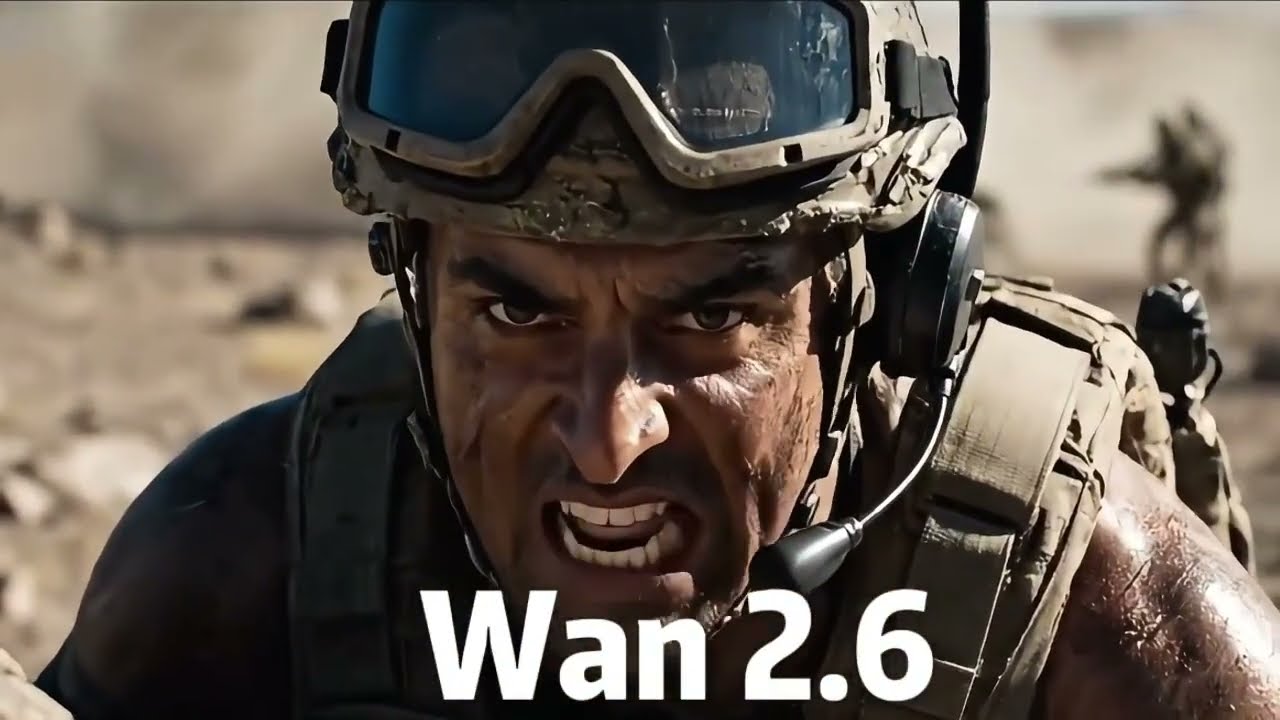
AI video tools have moved quickly from simple motion clips to systems that try to build full scenes. Most still struggle to keep visuals stable, match sound properly, and handle longer sequences without breaking the flow. That gap is where newer models like Wan 2.6 are getting attention. On platforms like Miral AI, the Wan 2.6 AI video generator is one of the engines that turn text, images, and references into short videos. The goal is not only to generate motion, but to keep scenes structured enough that they feel usable without heavy editing afterwards. This article looks at how Wan 2.6 fits into that role and why it matters for everyday video creation.
What Wan 2.6 Focuses On
Wan 2.6 is built around a simple idea. A user describes a scene, and the system generates a short video that includes motion, environment, and basic sound. Unlike older tools, it does not treat these parts separately. Inside Miral AI, this means the video is not just a moving image. It is closer to a small scene where timing, motion, and audio are designed together from the start.
Text to Video in Practice
The most common use of Wan 2.6 is turning written prompts into video clips. A simple description, like a street at night with people walking, is enough to create a moving scene. What matters here is not just what appears, but how it moves. The model tries to interpret action and pacing, so the result is not a frozen sequence but something that feels active. Inside Miral AI, this helps users turn ideas into visual drafts without needing editing tools first.
Image to Video Function
Wan 2.6 also works with still images. A single image can be converted into a short animation by adding motion to its elements. This is a good choice for product photos, portraits or basic background photos. Restoring the original image structure and adding controlled movement. Inside Miral AI, this helps users bring static content to life without having to rebuild it from scratch.
Audio That Comes With the Video
One of the main differences in Wan 2.6 is that sound is not added later. It is created alongside the video. This includes background audio, basic effects, and in some cases dialogue. The purpose is simple. The sound should match what is happening on screen without extra editing steps. In Miral AI, this reduces the need to use separate audio tools for basic video work.
Keeping Scenes More Stable
AI video often struggles with consistency. Characters may change slightly, or objects may shift between frames. Wan 2.6 reduces this problem by keeping visual elements more stable during generation. Inside Miral AI, this helps when users create multiple clips that belong to the same idea. The results are not identical every time, but they remain closer in appearance and structure than those from older systems.
Short Video Length and Focus
Wan 2.6 is designed for short clips, typically 2-15 seconds. This limit is not random. It helps the model keep motion and audio more stable. Inside Miral AI, this makes it better suited for short content such as social media clips, ads, or concept visuals. It is not aimed at long videos or full storytelling projects, but at quick scene generation.
How Motion Is Handled
Movement is one of the harder parts of AI video. Wan 2.6 tries to handle it by focusing on smooth frame transitions. Instead of jumping between unrelated images, the model builds motion patterns that follow the prompt. For example, walking, turning, or camera movement is treated as part of the scene structure. This helps reduce sudden visual breaks.
Simple Scene Control
Users can guide the video by describing how the scene should feel or move. This includes basic instructions like camera direction or focus changes. Inside Miral AI, this means users do not need editing software to adjust framing or timing. The model interprets these instructions during generation, even if the control is still limited compared to professional tools.
Where It Works Best
Wan 2.6 is best suited to situations where speed matters more than detailed control. Short marketing clips, idea previews, and social media content are common use cases. Within Miral AI, it acts as a quick brainstorming tool for visual concepts, not a full production system. Users can create multiple scene versions and pick the best fit.
Conclusion
The technology behind Miral AI, the AI video generator known as Wan 2.6, exemplifies advances in text-to-video generation. The AI video generator Wan 2.6 is integrated into the Miral AI program, indicating some progress in text-to-video generation. It is not designed to replace professional editing systems; it is designed to create quick videos and to give ideas that are starting to form. Keeping scenes short, consistent, and self-contained gives users a faster way to turn descriptions into visual output without much setup or complexity.